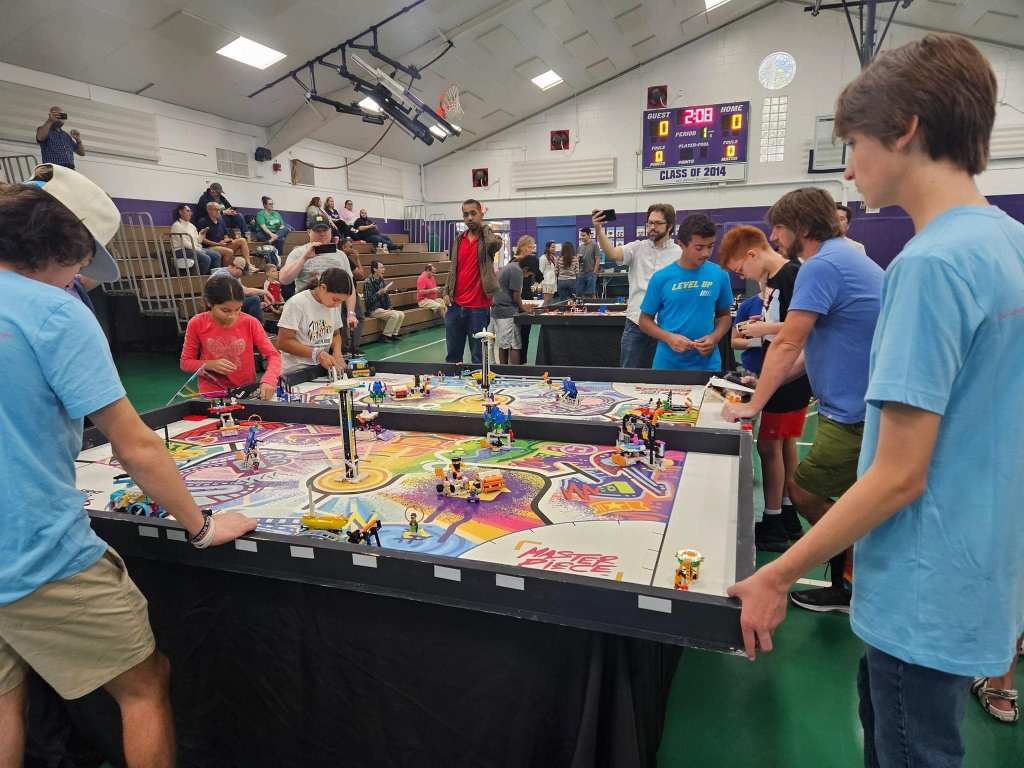

When the season started, we analyzed the missions and created a scatter plot to compare the missions’ difficulty with the attainable number of points of each mission. We started with the missions that we thought could give us the higher number of points with the least effort. These missions were:
- The theater scene change
- The augmented reality
- The masterpiece
- The craft creator
- The audience delivery.
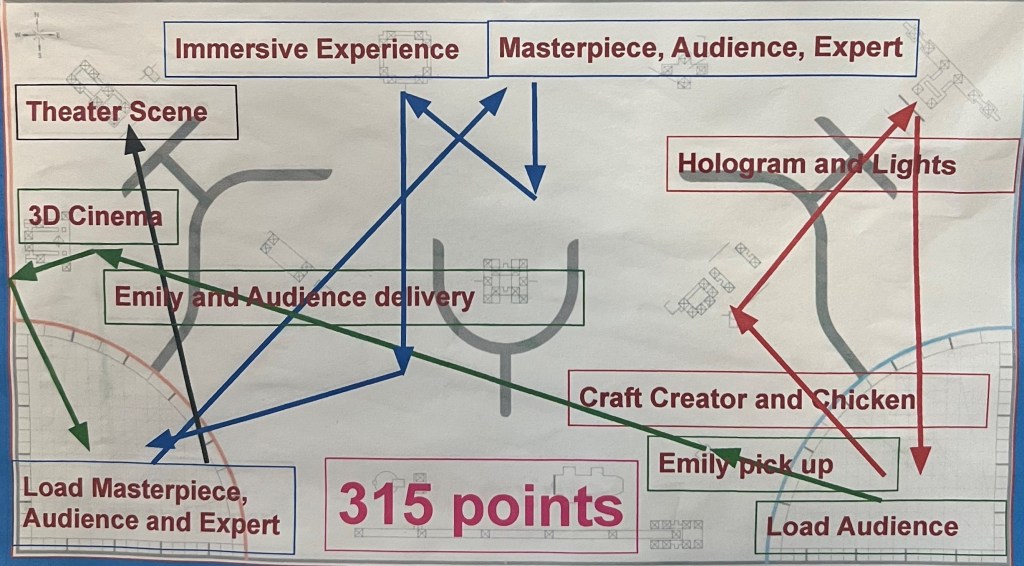
We split into groups of two to create attachments for these missions. We found that the theater scene change, the masterpiece, the craft creator and audience delivery were the ones we best could handle so, we came up with three main routes, based on these three missions for the robot to follow:
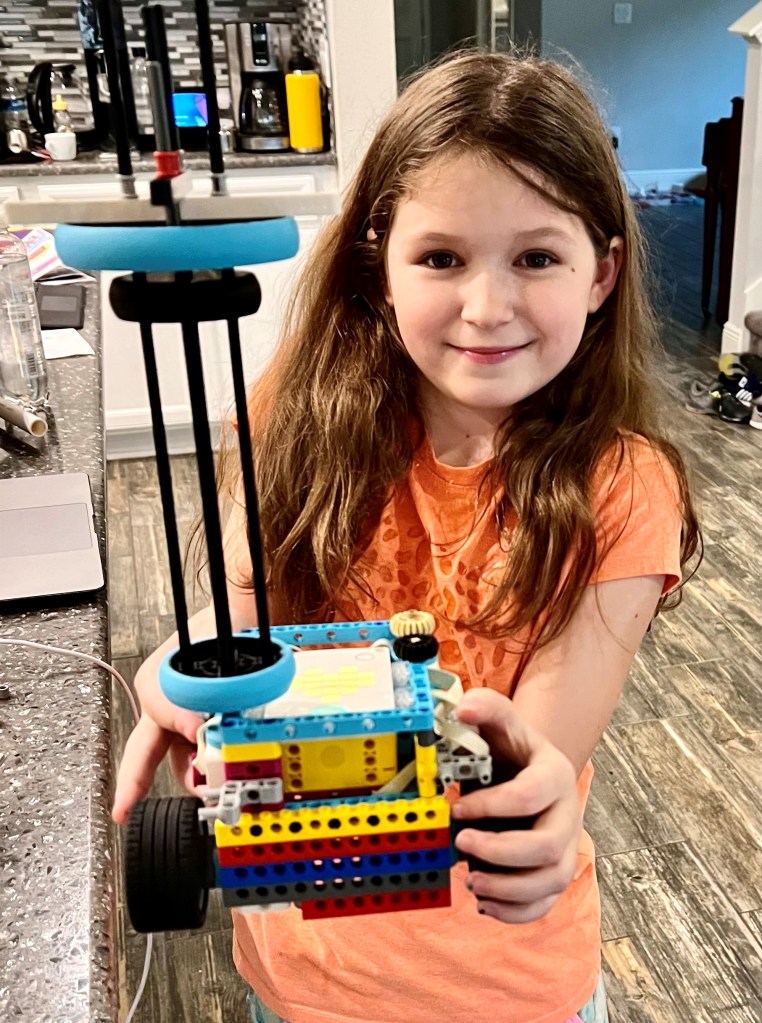
We started testing with two different robots. 1.) Our robot from last year and 2.) the Driving Base 1 from Spike Prime. We also used the driving base to help the younger team members learn building and coding skills at the beginning of the season. Soon we found out that we needed to add motorized attachments to be able to complete more missions.
To figure out how to improve the robot, we made a copy of the robot using CAD Software Studio. Using this software, we found that with minor modifications we could fit the brick in the middle. Studio also helped us find defects in the construction of the robot, like some parts that were not well supported. The new robot that we came up with was sturdier and easier to maneuver. We built two copies of the robot so that everyone in the team had a chance to code and test the robots.
Attachments


We kept an engineering notebook to keep our code easily available to all our teammates. At the beginning of the season, we used the movement blocks provided by the Spike app. These blocks were easy to use, but the movement lacked precision. We learned to use the gyro sensor to check the robot yaw. Using the yaw number, we created GyroStraight and Rotate MyBlocks to use in our runs. In Rotate, we use a Wait Until block that checks the gyro yaw angle, and the robot keeps turning until the yaw number reaches or exceeds the input angle. In GyroStraight we used a loop that checks the gyro yaw angle and turns the robot slightly when it veers out of direction.
Our youth coach showed us how to use absolute turning on our GyroStraightabsolute code so that we don’t have to reset the gyro at every MyBlockturns and corrections are done with respect to the heading of the robot at the beginning of the main run. Then, we made our GyroStraight code proportional. After these changes our accuracy is over 80% and our max points are 450. We recorded our progress during the season in the Meeting Notes section. We hope you enjoyed learning about our robot design.
 Flaming Paintballs FIRST LEGO League Robotics Team